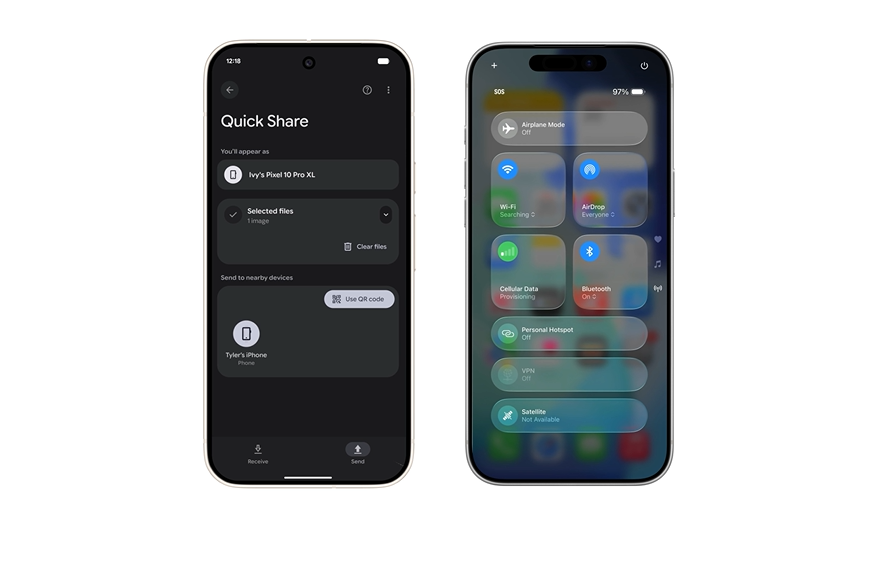
Here are some of the latest update features for Windows 11 and what you should know when updating along with what they mean for you.
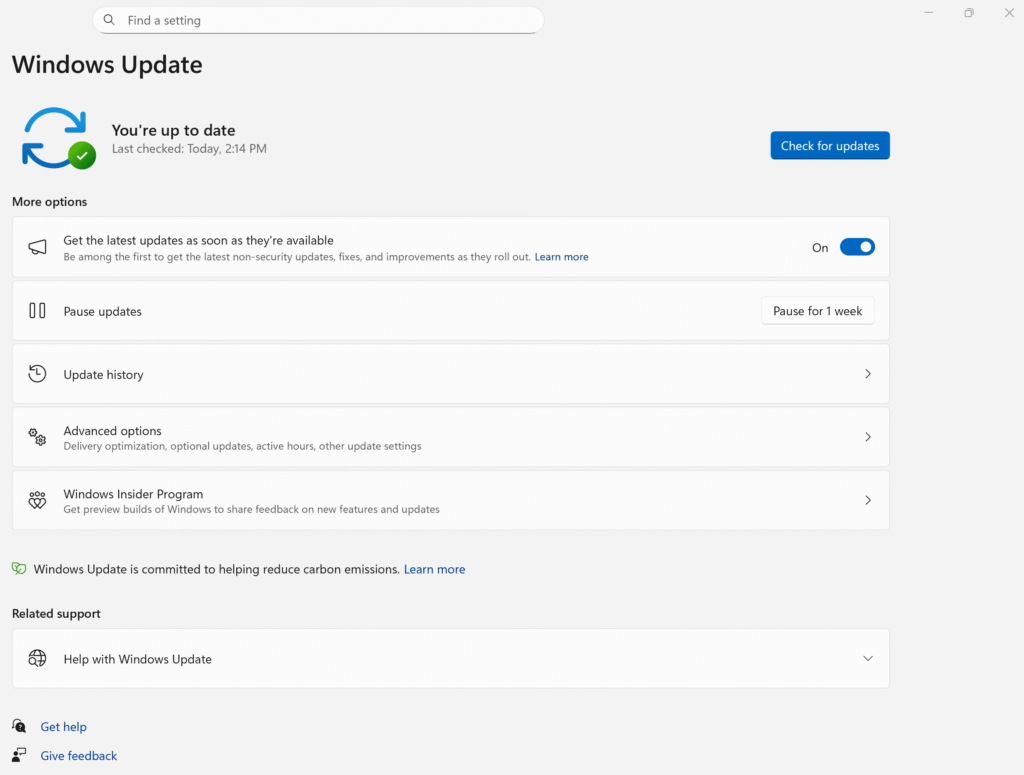
Features
- A major push on AI integration example the Copilot assistant lets you use the voice command Hey Copilot to activate it and it can now analyse on screen content via Vision.
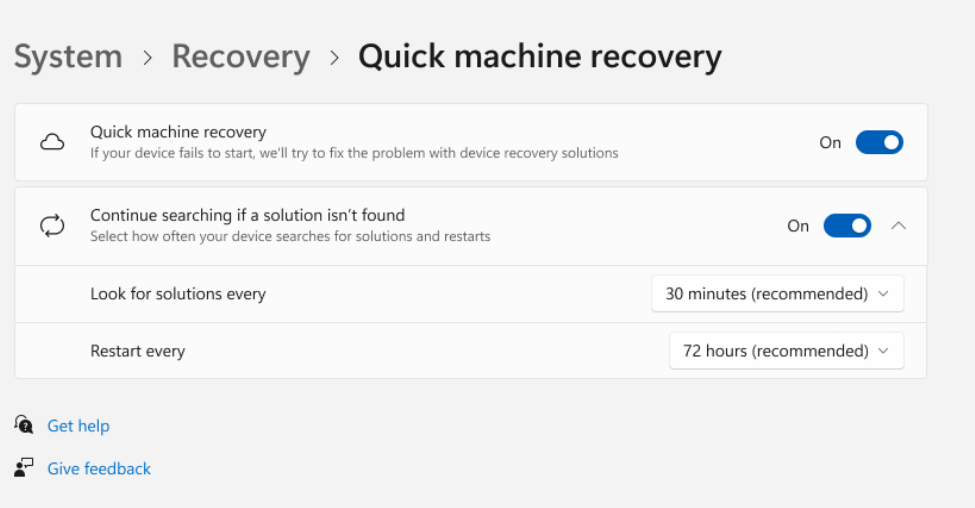
- Quick Machine Recovery feature If your PC fails to boot it will connect to the network and attempt to get a targeted fix automatically.
- Improvements for Copilot with special hardware Better search semantic indexing more natural language settings control, and AI actions in apps like File Explorer.
- Various smaller refinements
- New page in Settings for Search.
- Taskbar and Snap Layouts get better guidance.
- Legacy drivers being removed from Windows Update to improve security and reliability.
✅ Update Now ✅
- Make sure your important data is backed up.
- Check if your hardware is compatible especially if you want the premium new features.
- If you depend on certain apps hardware especially older ones check their compatibility occasionally updates can disrupt things.
- If you are in the middle of something critical you might wait a short bit to ensure any new bugs are ironed out.
Categories: