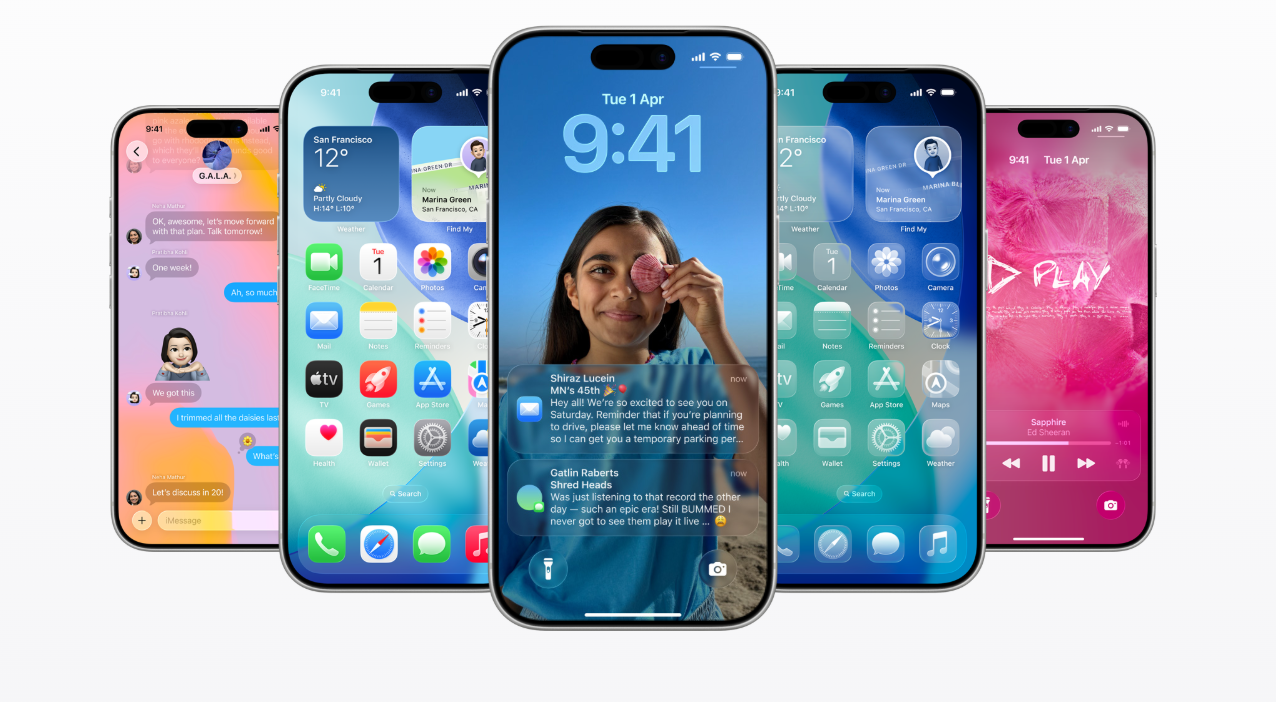
Apple has officially released iOS 26.1 The first major update following its bold UI redesign in iOS 26. While the initial rollout received mixed reactions due to the new Liquid Glass interface 26.1 aims to refine the look and tighten usability add a fresh layer of control for everyday users.
The Update began rolling out and early impressions suggest that Apple is listening closely to user feedback this cycle.
🔍 Liquid Glass Gets Real World Usability
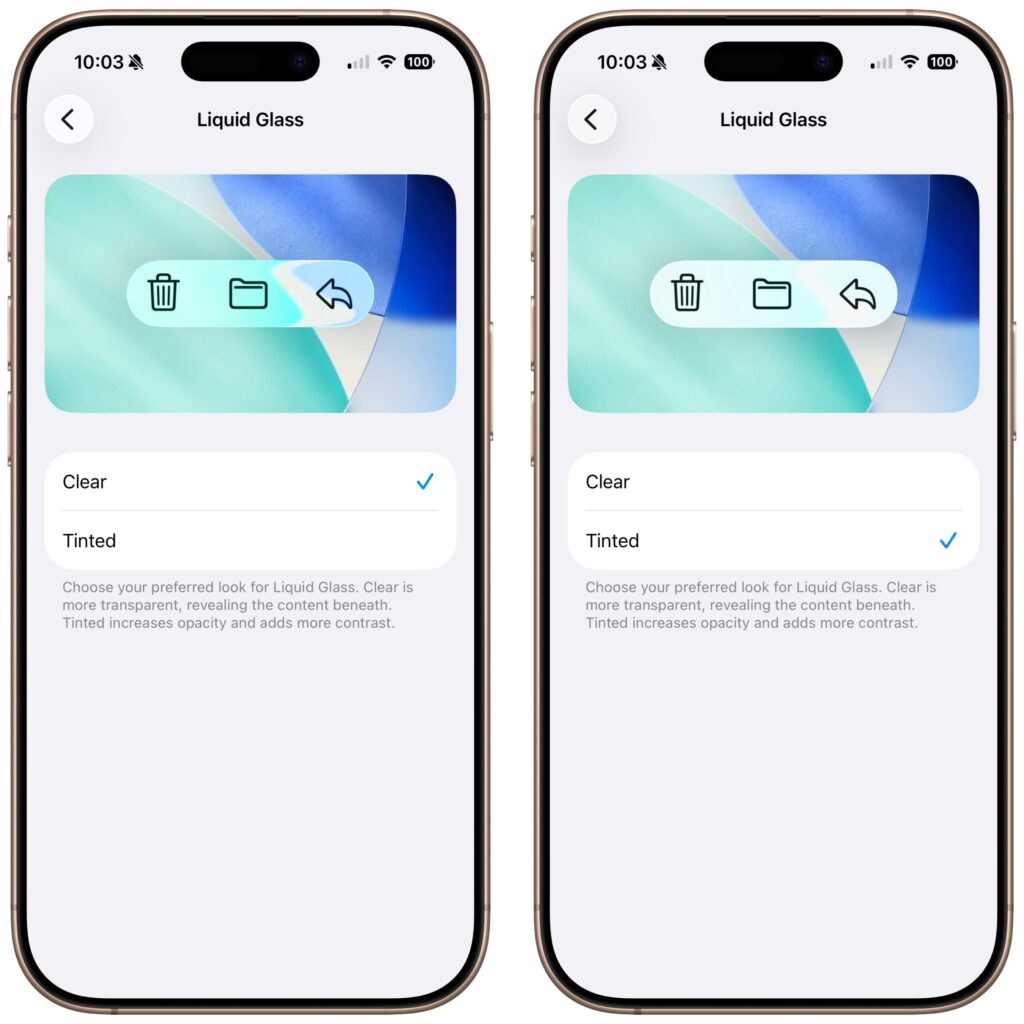
iOS 26 introduced a dramatic glass like interface beautiful, But too translucent for some. With 26.1 Apple adds a Tinted mode giving menus panels and widgets more contrast. It’s not a redesign but a course correction that makes the UI far more readable. If you felt iOS 26 looked washed out and this is the fix.
📷 Lock Screen Camera
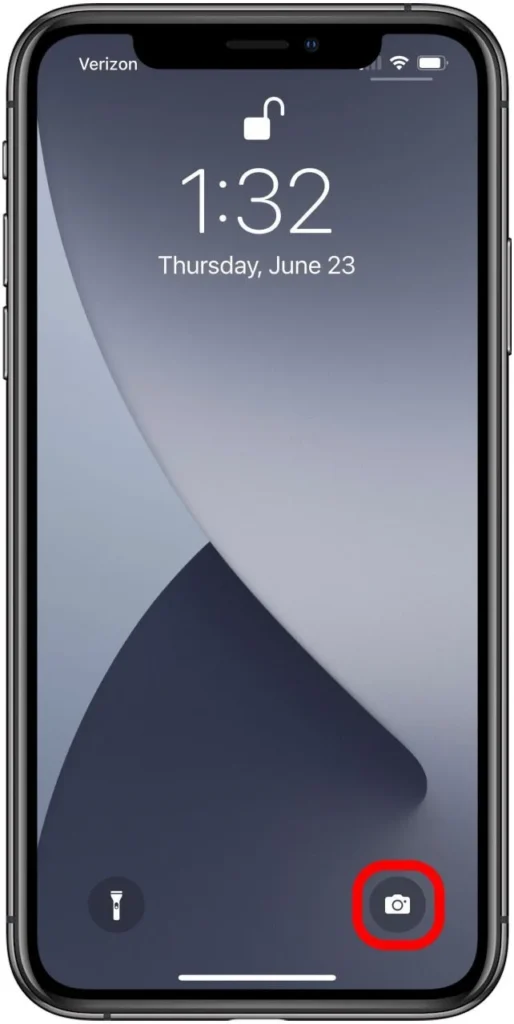
One of the most requested features over the years is finally here. You can now turn off the swipe left gesture that opens the camera from the Lock Screen. Many users described accidental launches causing pocket battery drain 26.1 resolves that annoyance cleanly.
⏰ Alarms
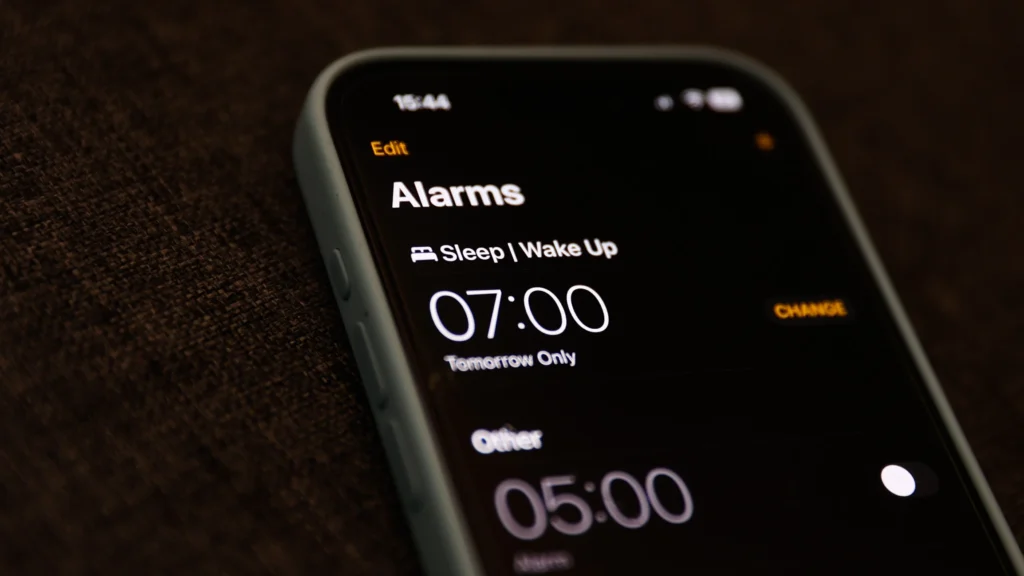
The new Slide to Stop control replaces the old tap to stop button. This small tweak fixes a big everyday problem: accidentally turning off alarms half asleep. Apple focusing on real life usability again is a nice shift.
Apple Music Gets Smoother
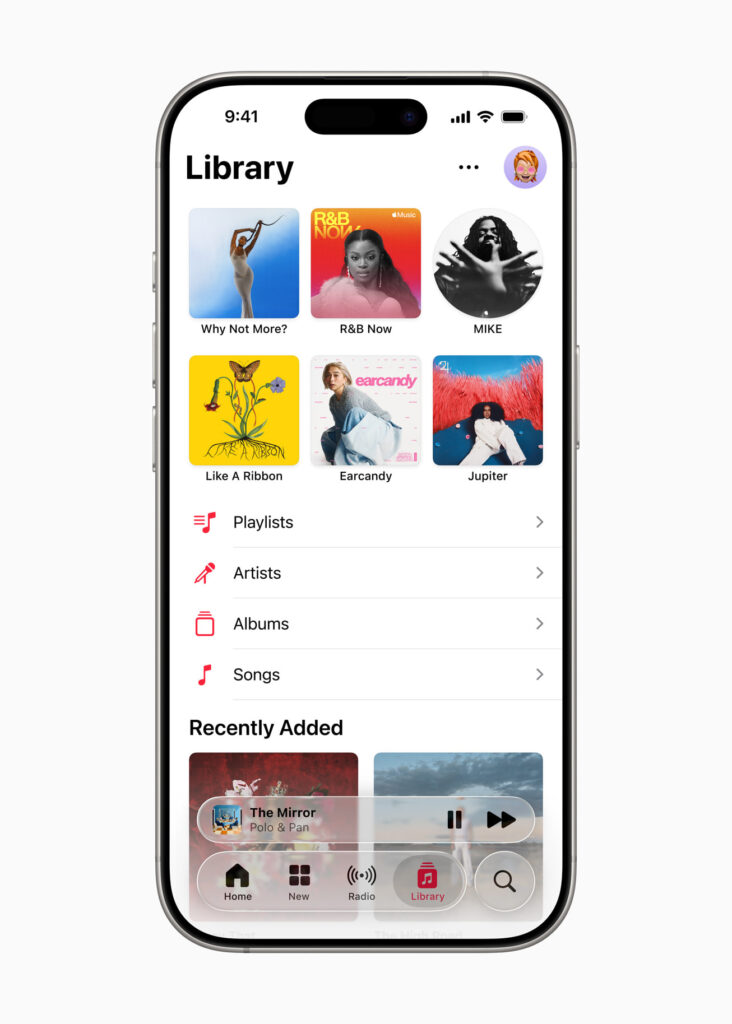
Music lovers get a quick but meaningful improvement Swipe left and right on the Mini Player to skip tracks. It feels natural and is something users have been asking for for years.
Apple Intelligence Expands Globally
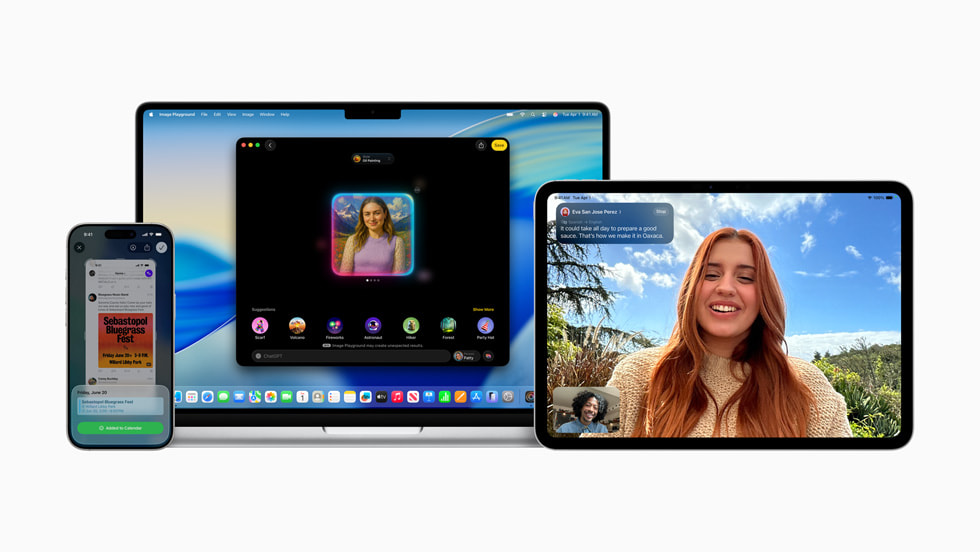
More languages are now supported for system translation, dictation and real time AI features. This is especially useful for multilingual users and travellers making Apple’s AI more practical than before.
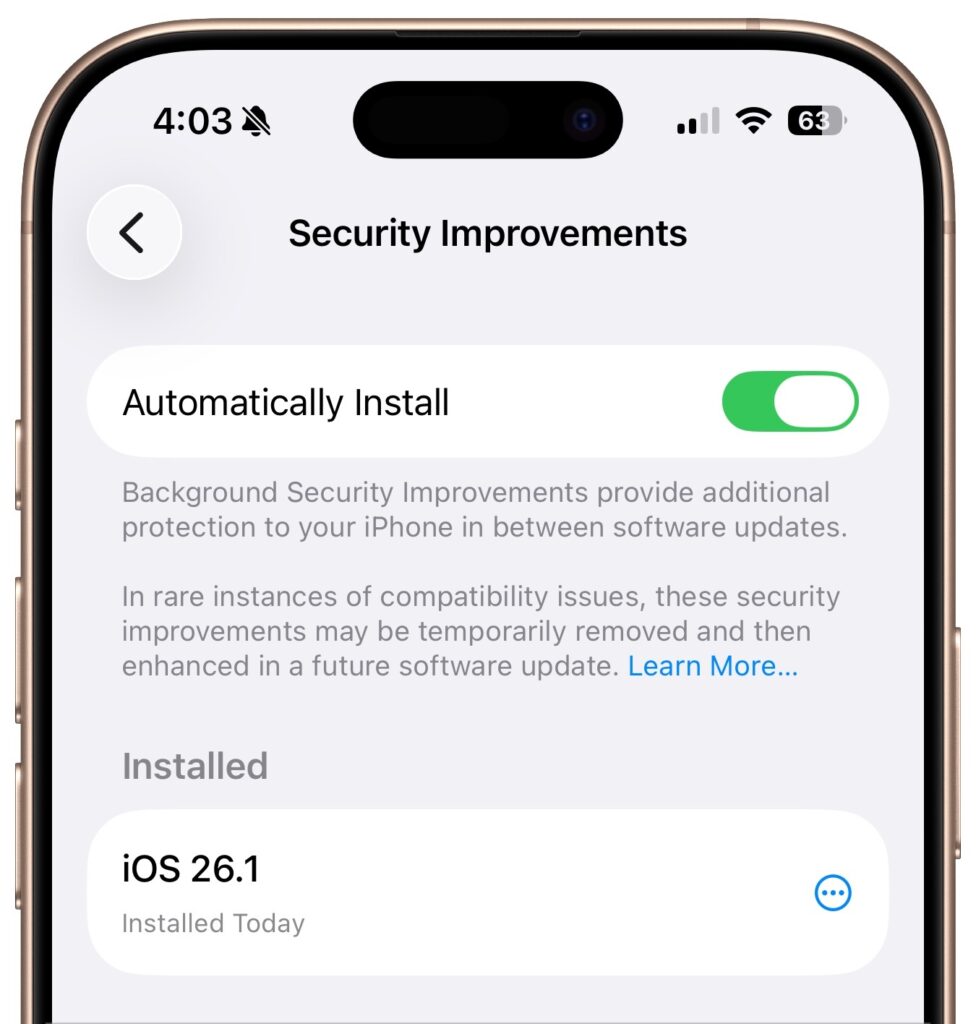
Security Updates Become More Seamless
iOS 26.1 introduces a background security toggle that automatically installs critical patches quietly. No restarts no waiting it’s Apple’s new approach to always on security.