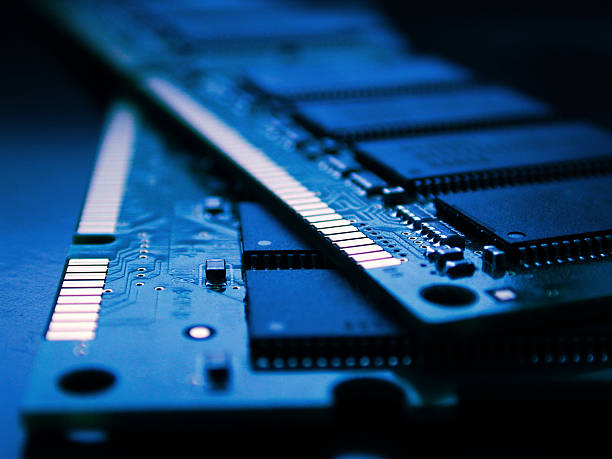
For most routine activities such as web browsing, checking emails, streaming content, office productivity, and light multitasking16 GB of RAM remains the ideal choice in 2025 for both Mac and Windows laptops.
8 GB of RAM, although still functional is becoming the absolute minimum. It works for very basic usage but will start to feel limiting when running several applications or many browser tabs at once especially on Windows systems. For more intensive workloads including video editing, heavy multitasking programming with IDEs or compilers, running virtual machines, creative design, 3D tasks, gaming 32 GB of RAM or higher is more suitable, ensuring the device maintains smooth and stable performance.
On Macs, due to Apple Silicon advanced memory handling 8 to16 GB can still handle light to moderate work but if you want better longevity and seamless multitasking 16 GB remains the more reliable option.
What RAM you need based on how you’ll use the laptop
For basic activities like browsing the web, checking emails, light office work, streaming and handling occasional documents 8 GB of RAM is the bare minimum, but 16 GB is advised for a noticeably smoother experience. For daily use with moderate multitasking such as several browser tabs office applications and video calls which is typical for students and remote workers 16 GB of RAM is the ideal amount for office focused tasks, frequent multitasking, remote work, light creative workloads and coding. A range of 16 to 24 GB of RAM is recommended.
For programming using IDEs compiling code, running virtual machines, moderate level photo or video editing, content creation and heavy multitasking, 32 GB of RAM provides the necessary performance, Professional level video editing, 3D rendering, working with large data sets, advanced design projects, high end gaming or strong future proofing, you should opt for 32 GB or more with certain demanding work loads benefiting from 48 GB or even 64 GB.
Modern laptops Mac and Windows
On Windows laptops in 2025, 16 GB RAM has quietly become the realistic base for a smooth experience 8 GB may be too limiting as apps and OS get heavier. On Macs with Apple Silicon, 8 GB might suffice for simple light use, but if you want longevity, flexibility and to avoid slowdowns when multitasking or using heavier apps aim for 16 GB or more. If you plan to keep your laptop for several years 2025 to 2030 or expect your workload to grow multi tab heavy apps editing 32 GB is a safe choice.
Current Laptop that match Ram that needs
The Apple MacBook Air M2 Chip good for everyday to moderate use 16 GB variant is a solid all round choice. The Dell XPS 13 9350 Core Ultra 7 SSD Laptop 16 GB configurations of such premium Windows ultra books tend to offer smooth multitasking and productivity. For light Windows workloads or budget friendly use. A model such as HP Pavilion Plus 14 Laptop might suffice but 8 GB versions are increasingly borderline for 2025.